Process 3D Scans
Capture, clean up, align and mesh scan data, from a single part to a whole site.
See the options
3D Software
Software to process 3D scans, turn them into CAD models and inspect parts against CAD, from Artec 3D, Hexagon Geomagic, InnovMetric, QUICKSURFACE and DezignWorks.
Training, technical support and updates are included with all software we sell.
Start with the job
Most buyers need one of three things. Pick yours and we will show you the options.
Process 3D Scans
Capture, clean up, align and mesh scan data, from a single part to a whole site.
See the optionsReverse Engineer to CAD
Turn scans into editable CAD models, in standalone software or inside SOLIDWORKS or Inventor.
Inspect Parts Against CAD
Compare scan and probe data to CAD, apply GD&T and produce inspection reports.
See the optionsCapture, clean up, align and mesh scan data, from a single part to a whole site.
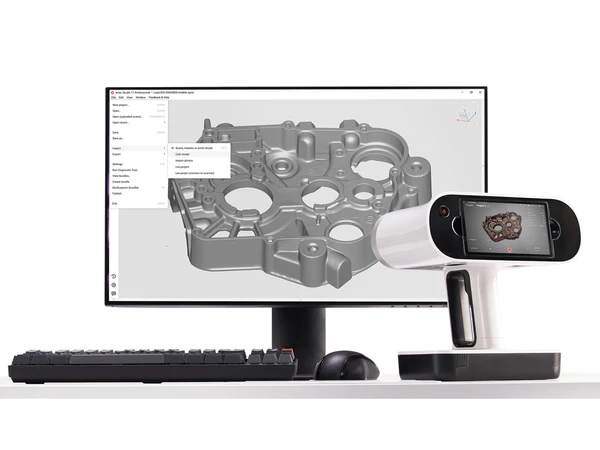
Artec 3D
All-in-one software for 3D scanning, AI photogrammetry, reverse engineering and inspection.
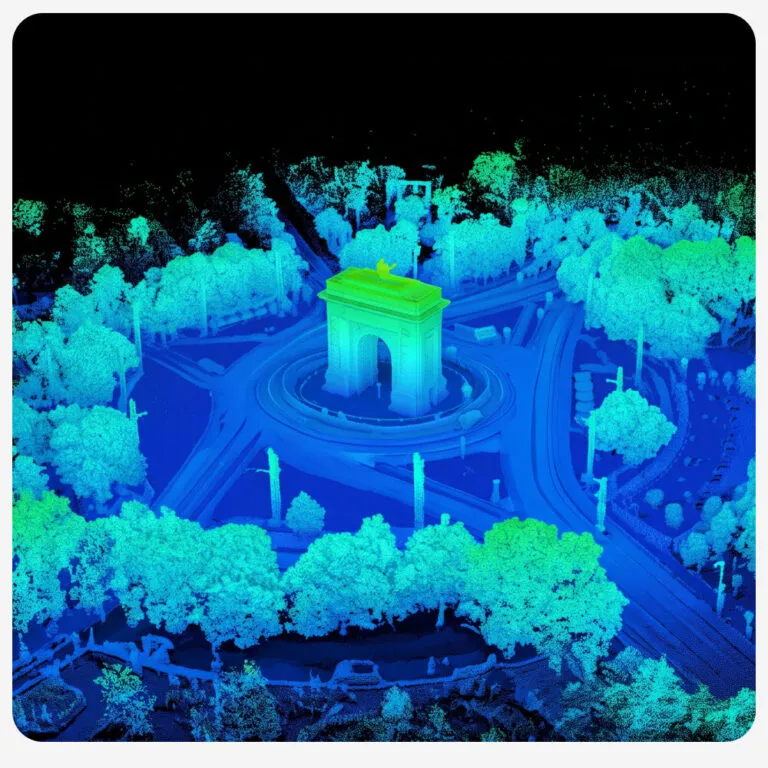
Artec 3D
Everything in Artec Studio, plus tools to process, merge, visualize and analyze massive 3D datasets, from a whole city down to a single component.
Turn scans into editable CAD models, in standalone software or inside SOLIDWORKS or Inventor.
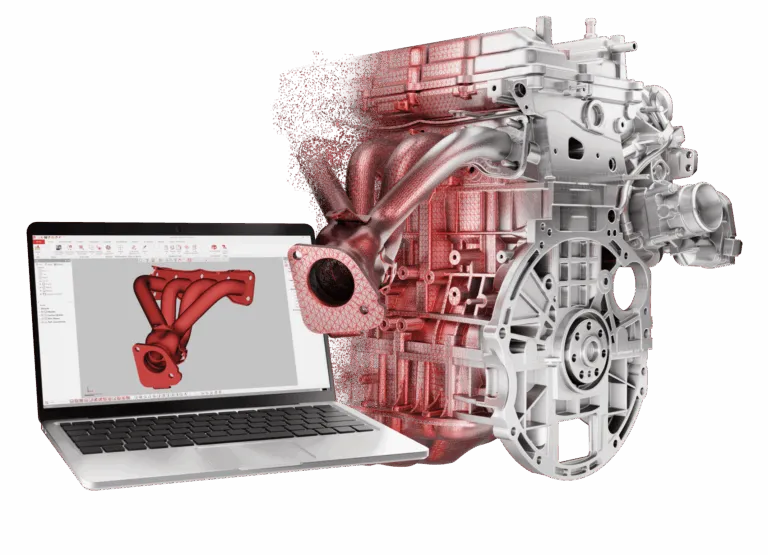
Hexagon Geomagic
The entry plan of Geomagic Design X, with the core tools to turn scan data into editable CAD.
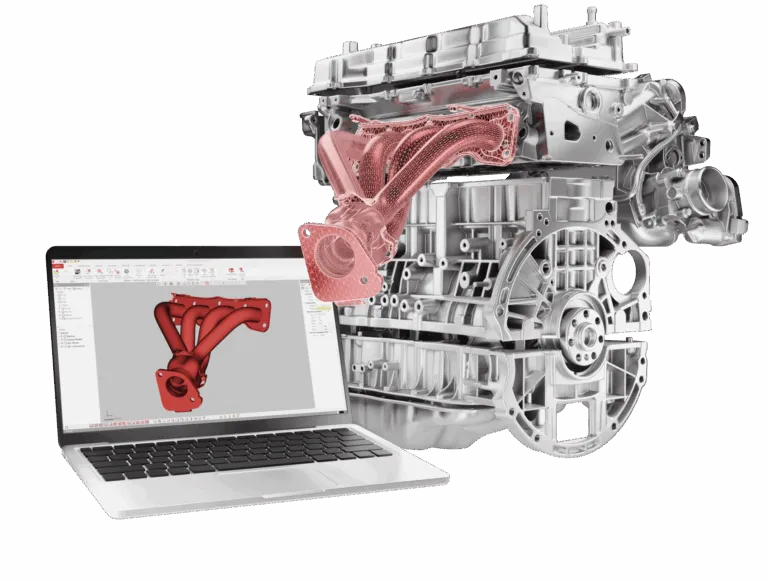
Hexagon Geomagic
Adds enhanced modeling tools and direct scanner, arm and probe integration to Design X.
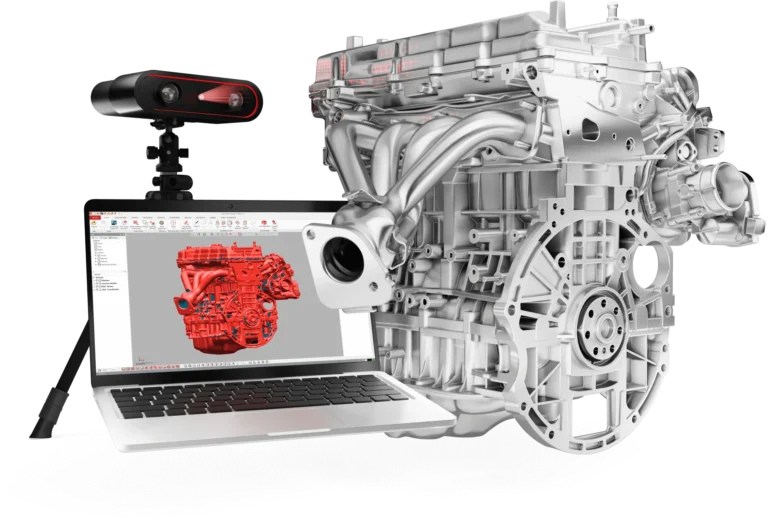
Hexagon Geomagic
The complete Geomagic Design X plan, with every tool for turning scans into feature-based CAD.
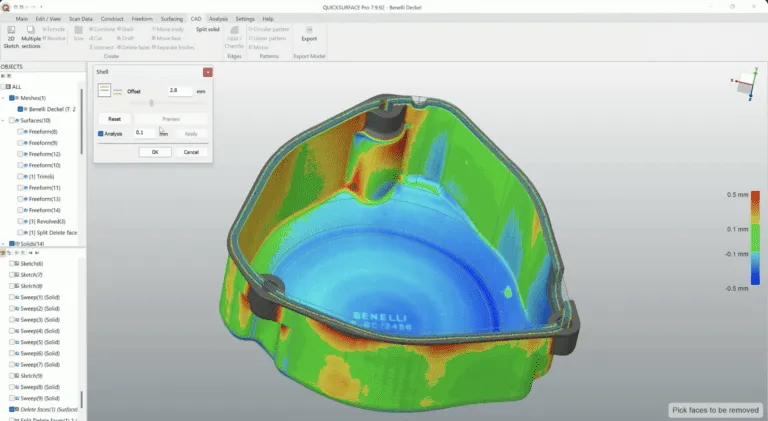
QUICKSURFACE
Standalone scan-to-CAD software that turns scan meshes into editable parametric and freeform CAD.
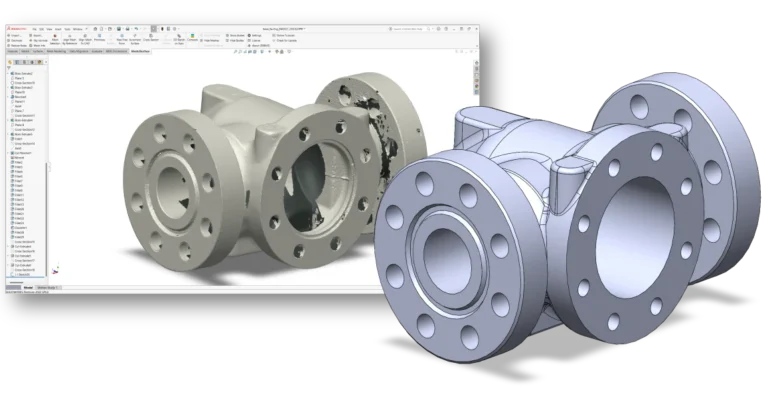
QUICKSURFACE
Formerly Mesh2Surface. Turns scan meshes into native SOLIDWORKS sketches, surfaces and solids.
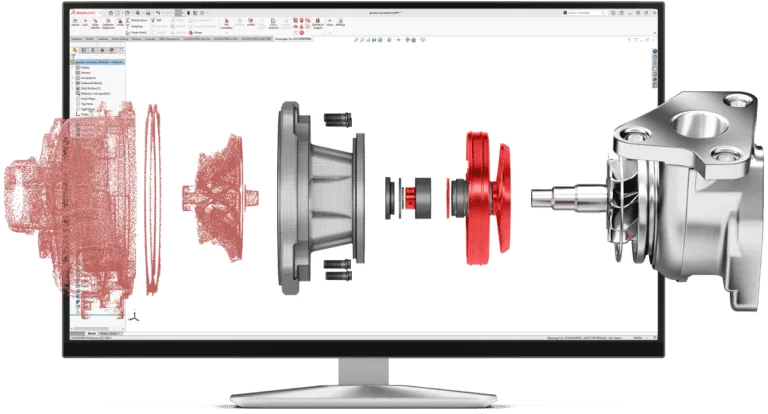
Hexagon Geomagic
Turns 3D scan data into CAD features without leaving SOLIDWORKS.
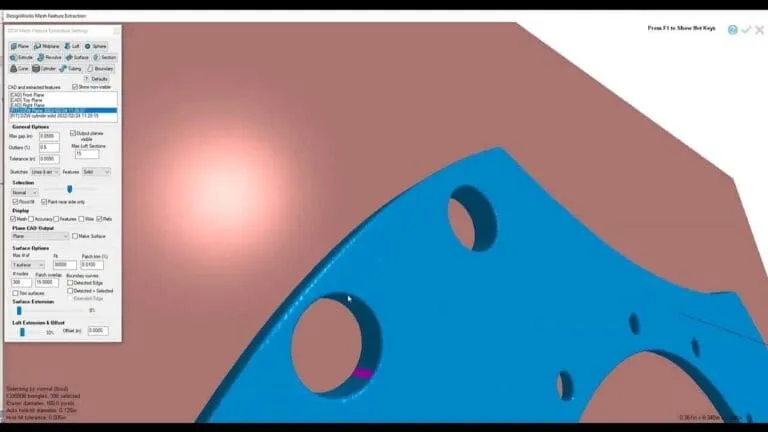
DezignWorks
Turns 3D scan meshes into editable parametric features inside SOLIDWORKS.
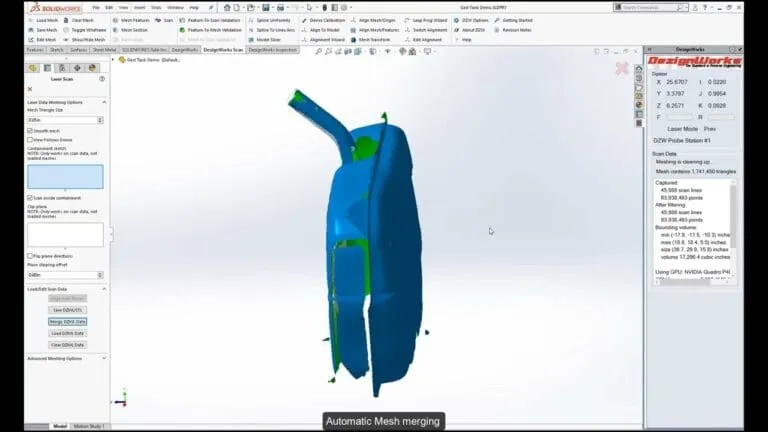
DezignWorks
Turns 3D scan meshes into editable parametric features inside Autodesk Inventor.
Compare scan and probe data to CAD, apply GD&T and produce inspection reports.
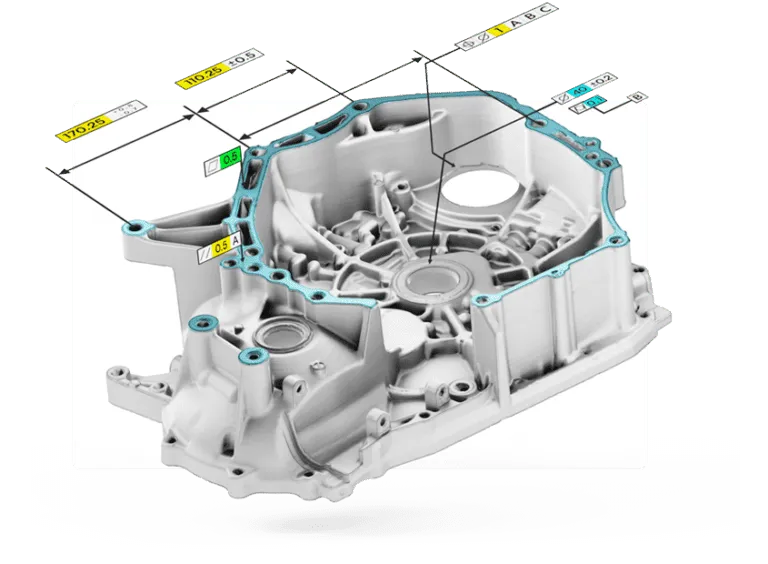
Hexagon Geomagic
The entry edition of Control X: compare scans to CAD, apply GD&T and report the results.
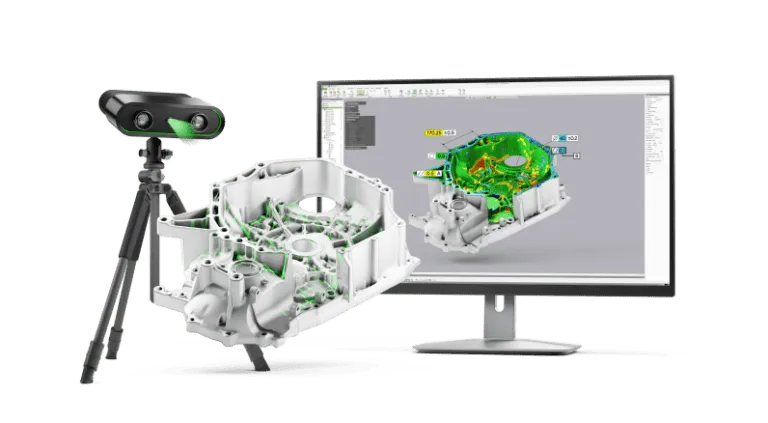
Hexagon Geomagic
Scan-based inspection and metrology software that compares scan and probe data to CAD.
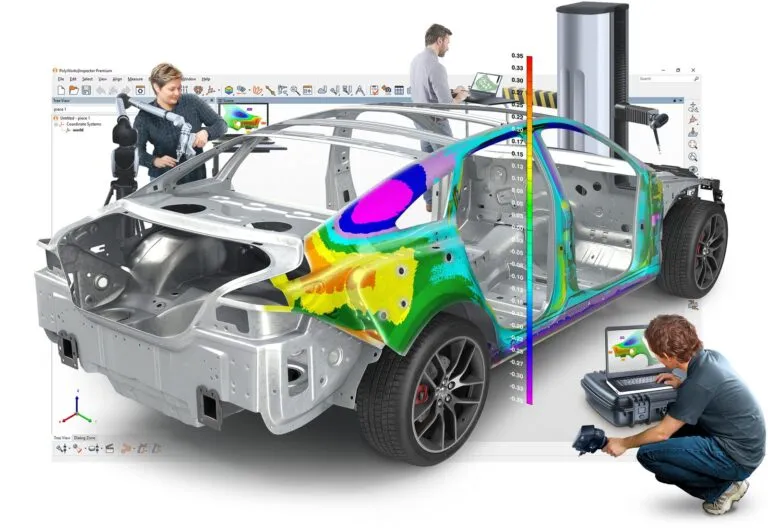
InnovMetric
Universal 3D inspection and GD&T software for portable metrology devices, 3D scanners and CNC CMMs.
Side by side
What each package is for, how it runs and how you can try it before you buy.
| Software | Best for | Runs as | Try it |
|---|---|---|---|
| Artec Studio 20Artec 3D · Process scans | Capturing and processing scans from Artec scanners, photogrammetry, scan-to-CAD and inspection | Standalone | Free 30-day trial |
| Artec TwinsArtec 3D · Process scans | Merging and analyzing massive datasets from scanners, drones and satellites | Standalone | Free trial |
| Geomagic Design X GoHexagon Geomagic · Scan to CAD | First-time users and simpler parts | Standalone | Free trial |
| Geomagic Design X PlusHexagon Geomagic · Scan to CAD | More complex parts, plus direct arm, tracker and probe control | Standalone | Free trial |
| Geomagic Design X ProHexagon Geomagic · Scan to CAD | Freeform surfacing, native CAD import and the full toolset | Standalone | Free trial |
| QuickSurfaceQUICKSURFACE · Scan to CAD | Parametric and freeform scan-to-CAD with STEP, IGES or Parasolid output | Standalone | Free 30-day trial |
| QuickSurface for SOLIDWORKSQUICKSURFACE · Scan to CAD | Modeling from scans as native SOLIDWORKS features | SOLIDWORKS add-in | Free 30-day trial |
| Geomagic for SOLIDWORKSHexagon Geomagic · Scan to CAD | Scan-to-CAD in SOLIDWORKS, with direct arm and scanner capture | SOLIDWORKS add-in | Free trial |
| DezignWorks Mesh Modeler for SOLIDWORKSDezignWorks · Scan to CAD | Large meshes from handheld scanners, modeled in SOLIDWORKS | SOLIDWORKS add-in | Free trial |
| DezignWorks Mesh Modeler for Autodesk InventorDezignWorks · Scan to CAD | Reverse engineering inside Autodesk Inventor | Inventor add-in | Free trial |
| Geomagic Control X EssentialsHexagon Geomagic · Inspect parts | Scan-to-CAD comparison, GD&T and reports at entry level | Standalone | Free trial |
| Geomagic Control XHexagon Geomagic · Inspect parts | Scan and probe inspection with native CAD, PMI and automation | Standalone | Free trial |
| PolyWorks|Inspector™InnovMetric · Inspect parts | One inspection platform for arms, trackers, scanners and CNC CMMs | Standalone | Free trial |
Every package is quoted. Ask us about editions, options and license types.
Why buy from us
We sell, set up and support 3D scanners and software together, so you have one team to call for the whole workflow.
Training, technical support and updates are included with all software we sell.
We set up a free trial of any package we sell, so you can test it on your own parts.
Pick a scanner and software that work together, set up and supported by one team.
Need a part scanned, modeled or inspected first? Our scanning services can do it for you.
Tell us about your parts, your scanner and the output you need. One of our engineers will recommend the right package and set up a free trial.
Already have a license? Renew your license or maintenance.
Start with the job. To capture and process scans, use the software that comes with your scanner, such as Artec Studio for Artec scanners, or Artec Twins, which includes everything in Artec Studio plus tools for very large datasets. To turn scans into CAD models, use reverse engineering software such as Geomagic Design X or QUICKSURFACE. To check parts against CAD, use inspection software such as Geomagic Control X or PolyWorks|Inspector. If you are not sure, talk to one of our engineers.
If you want standalone software, look at Geomagic Design X (Go, Plus and Pro plans) and QUICKSURFACE (Lite and Pro). If you would rather model inside your CAD system, there are add-ins for SOLIDWORKS from Geomagic, QUICKSURFACE and DezignWorks, and a DezignWorks add-in for Autodesk Inventor.
Geomagic Control X and PolyWorks|Inspector both compare scan or probe data against CAD, apply GD&T and produce inspection reports. PolyWorks|Inspector also programs and runs CNC CMMs. Control X comes in Essentials, Essentials Connect and Professional editions.
Yes. Geomagic for SOLIDWORKS, QUICKSURFACE for SOLIDWORKS and DezignWorks for SOLIDWORKS all run inside SOLIDWORKS and create native SOLIDWORKS features. Geomagic for SOLIDWORKS and QUICKSURFACE for SOLIDWORKS do not run on the 3DEXPERIENCE SOLIDWORKS platform. For Autodesk Inventor, there is DezignWorks for Inventor.
Almost always. Artec Studio drives Artec scanners directly. The reverse engineering and inspection packages import standard mesh and point cloud files such as STL, OBJ and PLY from any scanner, and several also control scanners, arms and trackers live. Each product page lists the supported devices, or ask us about your setup.
Yes. We can arrange a free trial of every software package we sell, so you can test it on your own parts before you buy. Artec Studio and QUICKSURFACE trials run for 30 days. Request a free trial.
Software is quoted. The price depends on the product, the edition or plan, the options you add and the license type, such as subscription or perpetual. Ask us for a quote.
Yes. Training, technical support and updates are included with all software we sell.
All of this software runs on 64-bit Windows. Scan data is demanding, so plenty of RAM and a professional graphics card make a real difference with large scans. Each product page lists the vendor's current system requirements.
Yes. We sell, set up and support 3D scanners and software together, so you have one team for the whole workflow. Browse our 3D scanners or talk to an engineer about the right combination.
3D Scanning & Metrology News, Press, Insights, Trends, Case Studies, and more.