Very large meshes
DezignWorks imports very large polygonal mesh files directly into SOLIDWORKS. Its proprietary Samson 3D engine uses the processing power of your graphics card to keep the scan responsive.

Reverse engineering in SOLIDWORKS
DezignWorks Mesh Modeler for SOLIDWORKS, formerly called Pro Mesh, is the scan data edition of DezignWorks, a suite of reverse engineering tools fully integrated into SOLIDWORKS. DezignWorks is based in Mooresville, North Carolina.
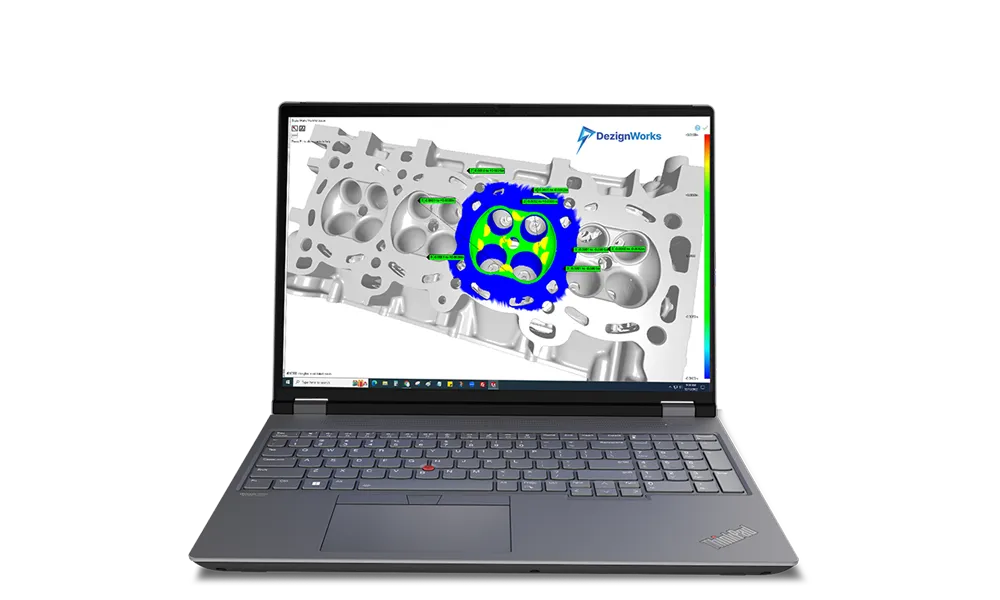
It is designed for handheld 3D scanners. Import scan data or a polygon mesh directly into SOLIDWORKS, and the DezignWorks Samson 3D engine keeps even very large meshes workable. Advanced algorithms extract parametric features that are fully editable in SOLIDWORKS, so the finished part is an ordinary SOLIDWORKS model your team can change, detail and send to manufacturing.
Because the tools work inside your existing CAD package, you can reverse engineer complex parts without having to learn new software.
Using Autodesk Inventor instead? See DezignWorks Mesh Modeler for Autodesk Inventor.
What it does
DezignWorks adds its scan tools to SOLIDWORKS, so every feature you extract goes into the SOLIDWORKS model like one you drew yourself.
DezignWorks imports very large polygonal mesh files directly into SOLIDWORKS. Its proprietary Samson 3D engine uses the processing power of your graphics card to keep the scan responsive.
Advanced algorithms extract parametric features from the scan, and the result is fully editable SOLIDWORKS geometry, not a dead mesh or an imported solid.
Feature Wizard automatically finds and identifies features on the scan, then builds them for you. DezignWorks shows it creating a fully parametric prismatic part and building surfaces.
Position an existing mesh on the SOLIDWORKS coordinate system before you model, so planes, axes and features land where you want them.
Turn scanned tubing into solid data and structural members, and use it with the SOLIDWORKS structural member tool for weldments.
Mesh features
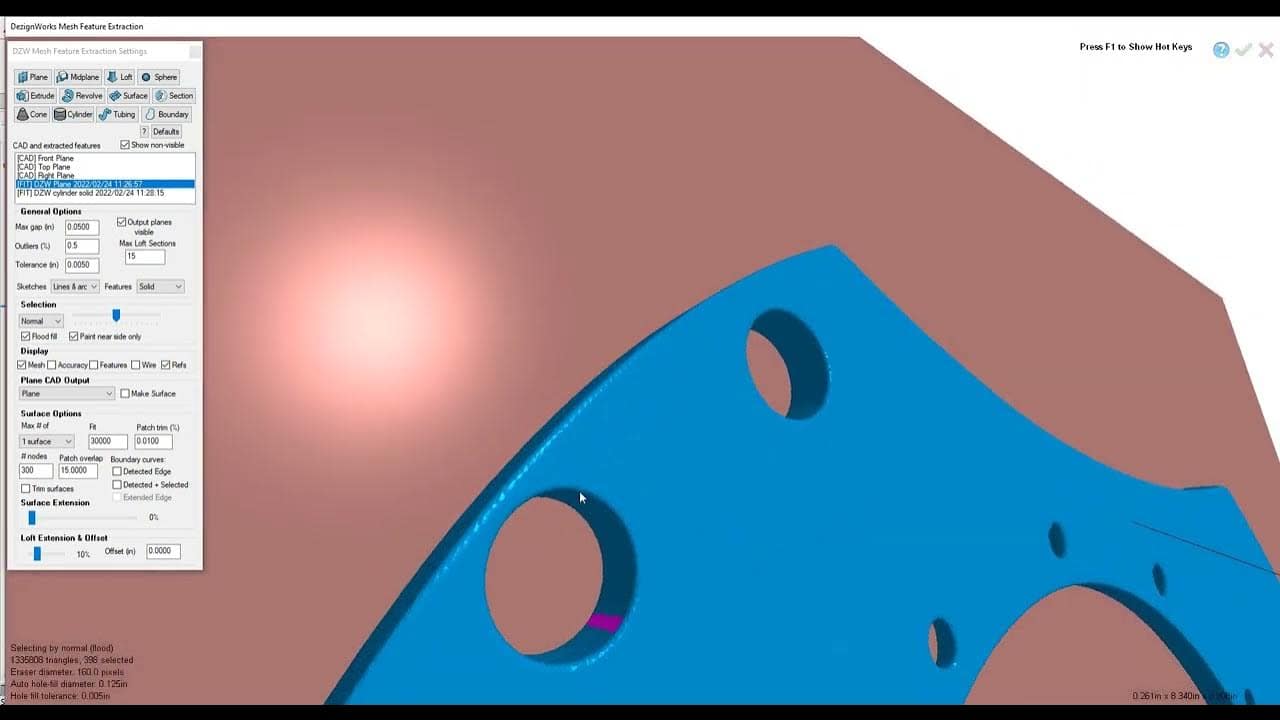
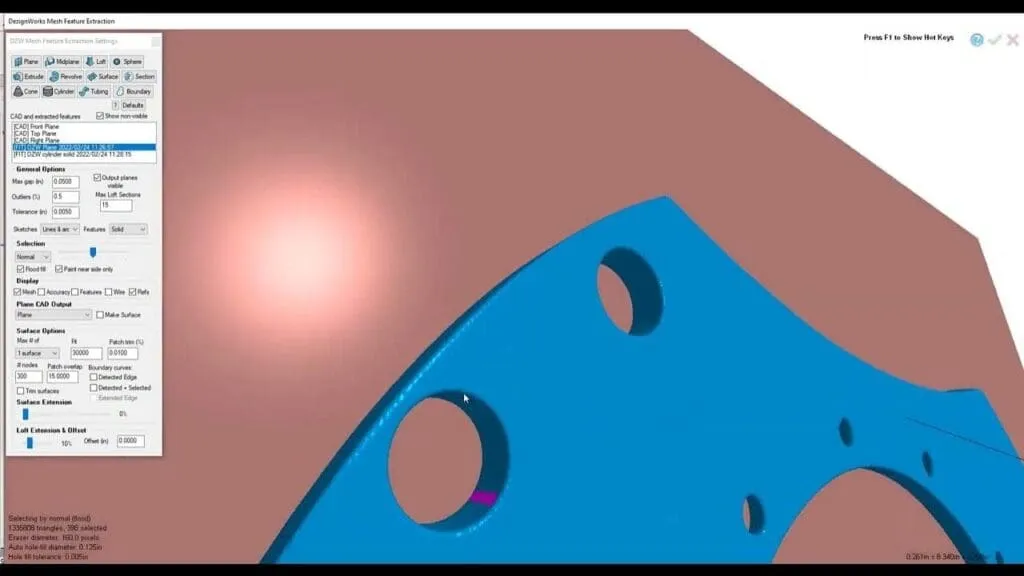
DezignWorks extracts features from the scan in its mesh features window and creates them as parametric geometry in the SOLIDWORKS model.
Large scans
Scanning large objects such as full vehicles or chassis produces heavy meshes. DezignWorks handles very large polygonal mesh files with its own Samson 3D engine, which takes full advantage of the GPU.
Want a part modeled for you instead? See our reverse engineering services.
How it works
Scan the part with your handheld 3D scanner and export the result as a polygon mesh (STL).
Load the mesh directly into SOLIDWORKS with DezignWorks.
Use Mesh Transform to place the mesh on the SOLIDWORKS coordinate system.
Extract parametric features from the scan, then finish and detail the part with standard SOLIDWORKS tools.
Packages
DezignWorks offers three packages for SOLIDWORKS. The right one depends on the device you capture data with. This page covers the mesh package.
| Feature | Mesh Modeler | Unlimited | Probing |
|---|---|---|---|
| Import scan data and polygon meshes Mesh Modeler is built for handheld 3D scanners | Included | Included | Not included |
| Scan with a FARO or Romer ScanArm Arm-mounted laser scanner | Not included | Included | Not included |
| Probe with a FARO or Romer portable CMM Arm buttons cycle through the sketch tools | Not included | Included | Included |
| Parametric features editable in SOLIDWORKS | Included | Included | Included |
| Samson 3D engine GPU-accelerated | Included | Included | Included |
| Available for SOLIDWORKS and Autodesk Inventor | Included | Included | Included |
| Perpetual license or subscription | Included | Included | Included |
Package descriptions as published by DezignWorks. If your FARO or Romer arm has a laser scanner, Unlimited covers both scan data and probing. If you only probe, Probing is the fit. Tell us about your device and we will recommend a package.
Compatibility
DezignWorks works with any portable 3D scanner that produces a polygonal mesh (STL) output. These are the devices DezignWorks lists by name.
Using a scanner from us? Artec scanners are on DezignWorks’ compatibility list, and SCANOLOGY scanners export STL meshes that DezignWorks can import. Arm and tracker workflows (FARO, Romer, MicroScribe) need the Unlimited or Probing package.
Technical specifications
Requirements as published by DezignWorks for its reverse engineering suite for SOLIDWORKS and Inventor. Larger objects, such as full vehicles or chassis, need more processing power.
For single-point probing devices and CAD files under 50 MB.
For a broad range of work, including scanning large parts at high resolution.
Buying a workstation for scanning? Ask us before you order and we will check the spec.
Why buy from us
We sell, set up and support 3D scanners and reverse engineering software together, so you have one team to call for the whole workflow.
We can arrange a free trial so you can test DezignWorks Mesh Modeler on your own scans in SOLIDWORKS before you buy.
Training, technical support and updates are included with all software we sell.
Pair DezignWorks with a scanner we sell and set up, and keep one point of contact.
Not ready to buy? Our reverse engineering service turns your parts into CAD for you.
Request a free trial, or talk to one of our engineers about your parts, your scanner and your SOLIDWORKS setup.
Already a DezignWorks user? Renew your subscription or updates.
It is used to reverse engineer parts from 3D scan data inside SOLIDWORKS. You import the scan mesh, extract parametric features from it and finish the model with standard SOLIDWORKS tools, so the result is a fully editable SOLIDWORKS part.
Yes. Mesh Modeler is the current name of the edition DezignWorks used to sell as Pro Mesh: the edition for handheld 3D scanners and mesh data, running inside SOLIDWORKS.
DezignWorks is compatible with all portable 3D scanners that produce a polygonal mesh (STL) output. DezignWorks lists Artec, Creaform and peel 3D handheld scanners by name. SCANOLOGY scanners export STL meshes as well.
It depends on your device. Mesh Modeler is for handheld 3D scanners and mesh data. Unlimited is for FARO or Romer arms with a laser scanner, covering both scan data and probing. Probing is for FARO or Romer portable CMMs used without a scanner.
The current DezignWorks download is for SOLIDWORKS 2025. Versions for older SOLIDWORKS releases are available on request from DezignWorks support. Ask us to confirm your release.
DezignWorks lists a minimum of a 64-bit Windows 10 Professional PC with an Intel Core i7, 32 GB of RAM and a professional NVIDIA graphics card with 8 GB of memory. For scanning large parts at high resolution it recommends a 13th-generation Core i9, 64 GB to 128 GB of RAM and an NVIDIA RTX or Quadro card with 24 GB.
Yes. We can arrange a free trial so you can test DezignWorks Mesh Modeler on your own scans before you buy. Request a free trial.
Pricing is quoted. It depends on the package, whether you choose a perpetual license or a subscription, and how many seats you need. Contact us for a quote or request a free trial.
DezignWorks says Mesh Modeler can be learned in less than four hours of web-based training. Because the tools live inside SOLIDWORKS, you keep using the CAD skills you already have.
Yes. Training, technical support and updates are included with all software we sell. DezignWorks also offers phone, email and scheduled one-on-one support sessions with its engineers.