Categories

Brands

Scanner Type

Applications

Industries

QUICKSURFACE

Frequently Asked Questions

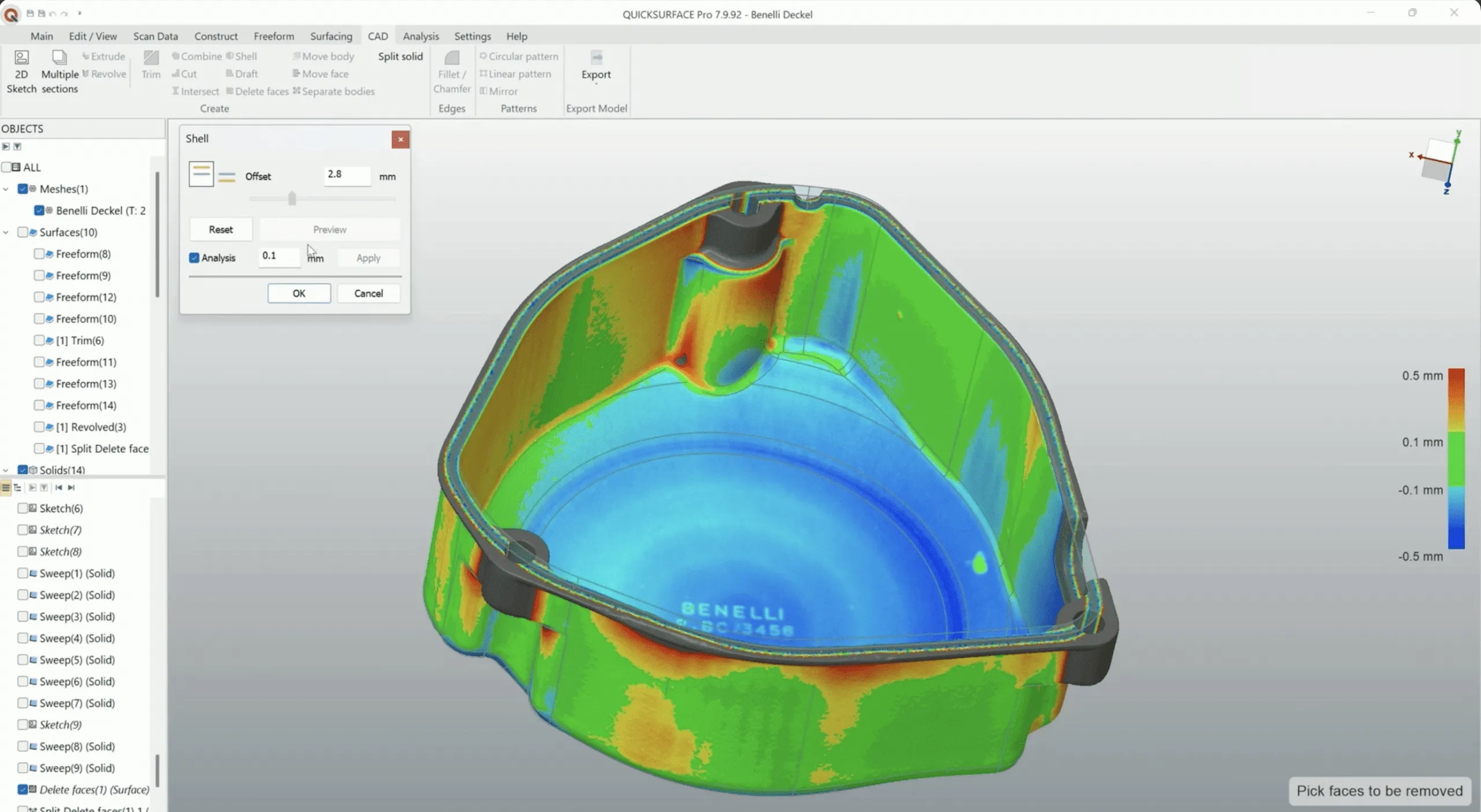
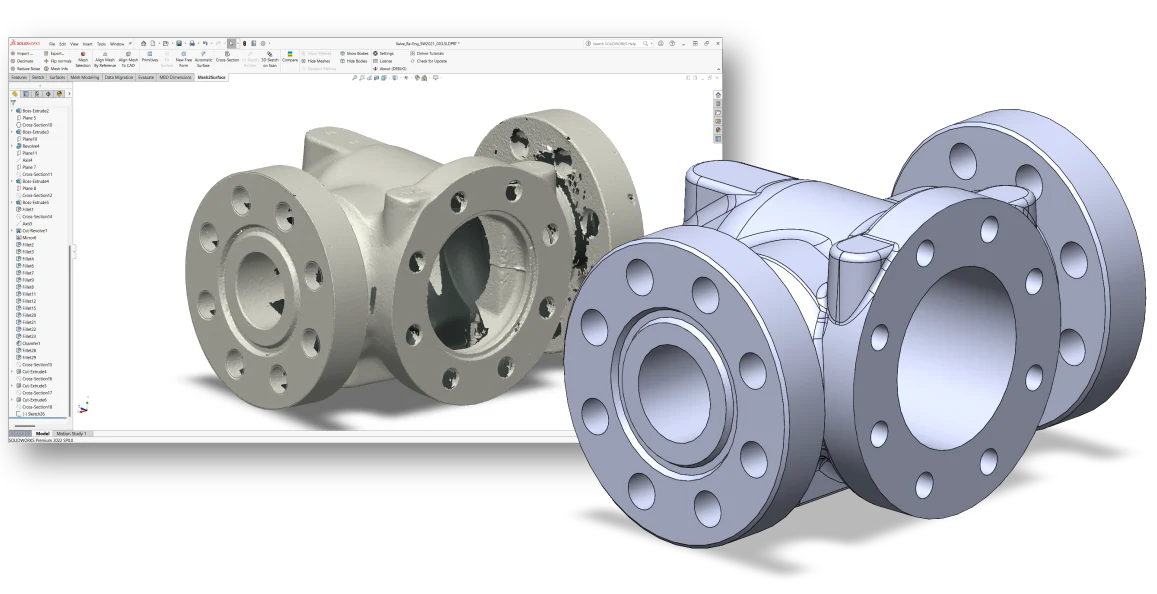
QuickSurface is comprehensive scan-to-CAD software. It takes 3D scan meshes from a wide range of scanners and helps you transform them into CAD models, meaning solids and surfaces you can actually edit, rather than leaving you with a mesh you cannot do engineering work on.

QuickSurface is the standalone package. QuickSurface for Solidworks is an add-in that does the same job inside SOLIDWORKS, so the model lands natively in the environment your team already uses.

If SOLIDWORKS is your CAD standard, the add-in usually causes less friction. If you work across several CAD systems, or want reverse engineering separated from your CAD seats, the standalone is the better fit.

Yes. QuickSurface for Solidworks is the current name for what was previously sold as Mesh2Surface.

If you have been running Mesh2Surface, or you have older documentation or quotes referring to it, this is the product line it became.

Both convert scans into CAD and both do it well.

The Design X family spans a wider range of tiers and takes on the most complex reverse engineering work. QuickSurface is focused and approachable, and for a lot of everyday scan-to-CAD it gets you there with less overhead. The right answer depends on how complex your parts are and how often you do this. Tell us and we will give you a straight recommendation.

QuickSurface is built to accept meshes from various 3D scanners rather than being tied to one brand, so in most cases yes.

Confirm your specific scanner and export format with us and we will check before you buy.

Trials are often available and we can usually arrange one. We provide training ourselves, hands-on or hands-off, and we remain your first call for support afterwards.